Automated Amazon Bidding
That Lowers Your ACoS
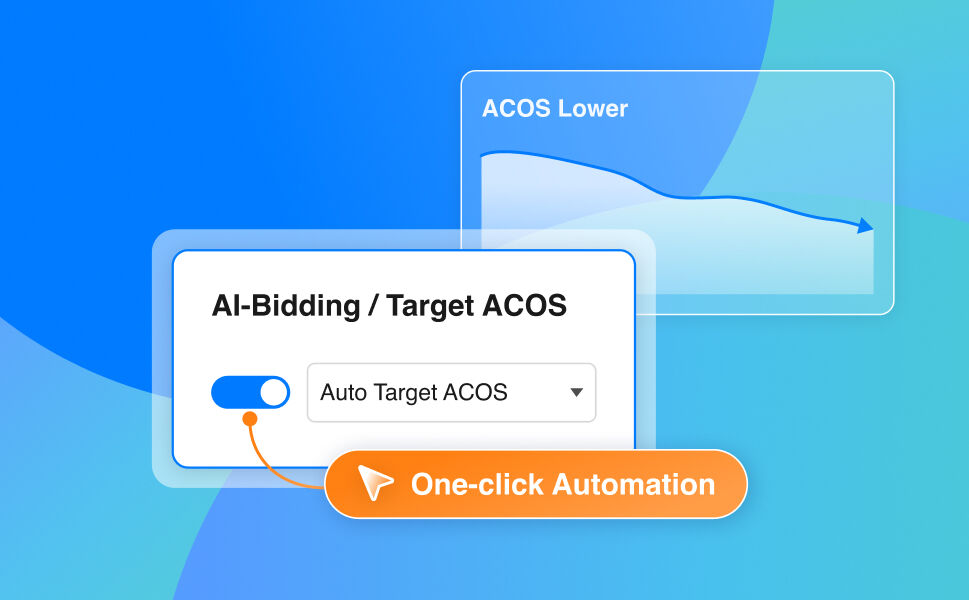
One-click AI automation that adjusts your Amazon Ads bids in real time, trained to drive sales and bring ACoS down. No rules to set up, no spreadsheets.
Manual bidding eats up your day — and still misses sales
-

Hours every morning
Open Ad Console. Sort by ACoS.
Adjust 50+ bids. Repeat tomorrow. -
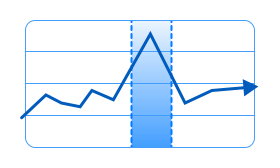
Reactive, not predictive
By the time you spot a winning keyword,
the spike is already over. -

Too many variables
Day of week, hour of day, season,
competitors — humans can't track it all.
Toggle On. Smarter Amazon Bids.
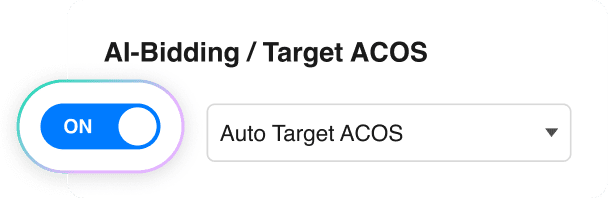
One switch. AI-Bidding is now adjusting your bids in real time, trained to lower ACoS and drive sales higher.
Two Bidding Strategies. Both One Click.
AUTO TARGET ACOS
"I don't know what ACoS to pick."
Let AI decide. You just choose the mode:
- Conservative Cautious bids. Stable ACoS. Sleep-easy mode.
- Moderate Balanced bids. Steady ACoS. Sweet-spot mode.
- Aggressive Faster bid changes. Higher ACoS tolerance. Growth mode.
MANUAL TARGET ACOS
"I know exactly what I need."
Know your margin? Type the number, the AI optimizes to hit it.
Target ACoS
-
🔄 Active Refresh
Bids constantly adjust all day, not tomorrow.
-
📣 All Sponsored Ads
SP and SD live today, SB coming soon.
-
🚀 Plug-and-play
Works on new campaigns or existing, no rebuild.
Bid Smarter by Day and Time
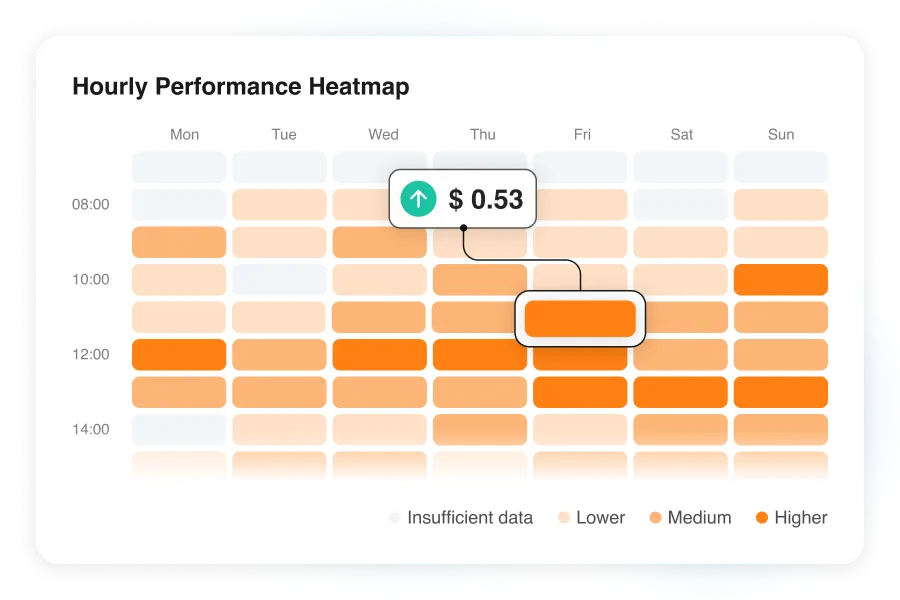
AI-Bidding analyzes how your ads perform across different days of the week and times of day, then adjusts bidding based on those performance patterns.
Higher-performing period
↑ Higher bidsLower-performing period
↓ Lower bids
✔️ No schedules to build.
✔️ No hourly rules to manage.
✔️ No additional setup required.
It’s not a black box
The Ad History view shows every bid the AI changed. Fully transparent.
Get started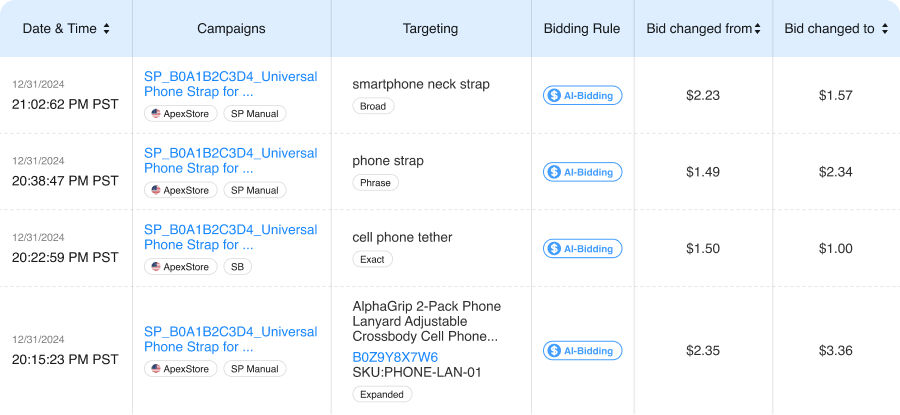
Bid manually. Or try AI-Bidding.
- BQool AI
- Manual

BEFORE Manual Bidding
-
30–90 min/day adjusting bids
-
Creating custom bid rules from scratch
-
Reacts hours after the market moves
-
You guess the right ACoS target
AFTER BQool AI-Bidding
-
Setup in seconds.
-
One toggle. No rules.
-
Real-time bid changes
-
Auto or Manual Target ACoS strategies
Frequently Asked questions
What is BQool's AI-Bidding Agent?
BQool's AI-Bidding Agent automatically adjusts your Amazon Ads bids based on campaign performance and your ACoS goal.
Choose Auto Target ACoS or set your own Manual Target ACoS, then let AI-Bidding handle ongoing bid optimization automatically.
Do I have to rebuild my campaigns to use AI-Bidding?
No. AI-Bidding works on your existing campaigns. Nothing gets deleted or restructured. Turn on the toggle and the AI starts optimizing from where you are today.
Notes: Existing rules in Amazon will be paused once AI-bidding is on, and will not turn back on automatically if sellers turn off AI-bidding.
Can the AI overspend my budget?
No. AI-Bidding adjusts bids within your existing campaign budget. It does not increase or change the campaign budget you set.
I'm not sure what ACoS target to set. Is that okay?
Yes. By default, the system applies Auto Target ACoS with the Moderate strategy, providing a safe and balanced approach for most campaigns. If you prefer Manual Target ACoS, the system will analyze your past performance and provide tailored percentage ranges to help you choose the perfect starting point.
How do I choose between Conservative, Moderate, and Aggressive strategies?
Conservative prioritizes profitability and cost control by keeping bids at or below Amazon's suggested average bid. It is better suited for high-ACoS campaigns, margin-sensitive products, or accounts with limited budgets.
Moderate balances cost control and growth and is the default strategy for most campaigns.
Aggressive focuses on rapid sales growth and traffic expansion by utilizing your full available budget. It is better suited for launching new products or aggressively scaling your sales.
What happens if my product already has a very high ACoS?
AI-Bidding is designed to work from wherever you're starting.
If you're on Auto Target ACoS, we recommend starting with Conservative strategy to stabilize your ACoS before pushing for growth.
If you prefer Manual Target ACoS, the system will suggest a target percentage to help protect your budget so you're not optimizing toward a number that could hurt your margins.
How does AI-Bidding dayparting work?
BQool's AI-Bidding agent analyzes historical advertising performance by day of week and time period to detect stronger and weaker periods based on campaign efficiency, then adjusts bidding aggressiveness accordingly.
Do I need to set up a dayparting schedule?
No. There are no hourly schedules or bidding rules for you to configure. Once AI-Bidding is enabled, it automatically analyzes your performance patterns and applies time-aware bid optimization.
What if I want to run a sale or promotion and override the AI?
Just turn the toggle off. Your bids stay exactly where the AI last sets them until you change them. Turn it back on when you're done, and the AI picks up where it left off.
What happens to my bids if I cancel?
Your bids stay at whatever level the AI last set them. Nothing resets automatically. You stay in full control of your campaigns. We just stop optimizing them.
Stop Adjusting Bids Manually.
Start Growing Sales Faster.
30-day free trial. No credit card needed. Cancel anytime. Your future self will thank you.