Conditional Repricer -
Auto Switch Your Repricing Rules
Conditional Repricer helps you build automated repricing strategies that respond to 23 business conditions, including inventory age, available stocks, sales performance, listing status, and more.
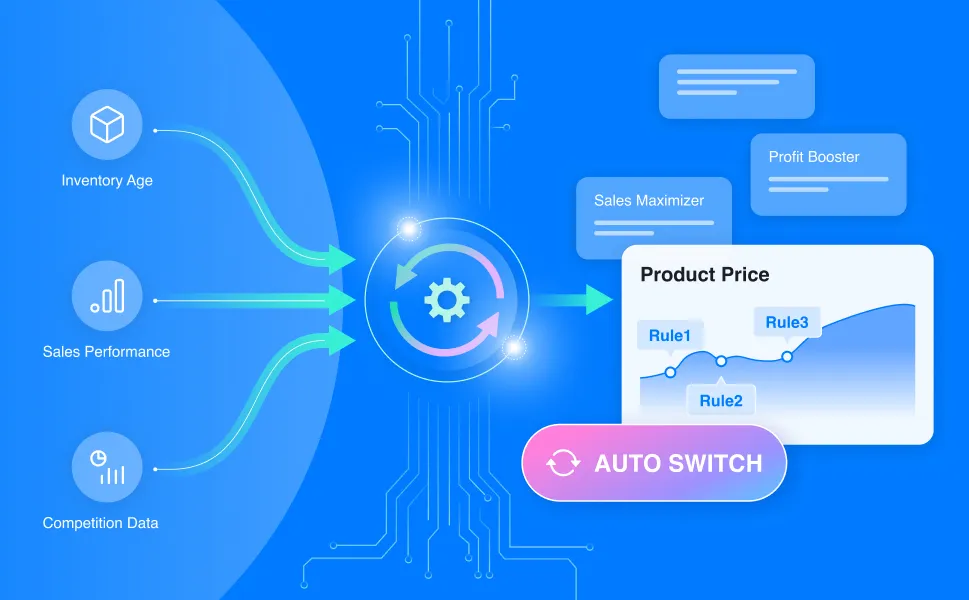
Amazon Seller's Challenges
As your catalog grows, so do your challenges:
-
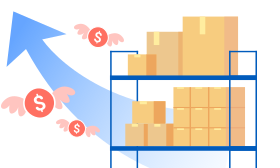
Some products sit too long and drive up your storage fees.
-

Some products sell too fast and run out before restock.
-
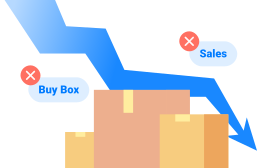
No Sales and Not winning the Buy Box
Conditional Repricer does it for you.
Automatically Switch Your Repricing Rules to
Match Every Selling Scenario
-
Move Inventory, Free Up Cash Flow
Seller Pain Points:- Overstocked items driving up long-term storage costs
- Capital locked in unsold inventory
- Inconsistent IPI score
How Conditional Repricer Helps?
When inventory sits too long or storage fees start climbing, Conditional Repricer automatically switches those listings to a more aggressive pricing rule to move stock faster. Once inventory returns to healthy levels, it switches back.Your Transformation:Get started- Free up cash flow
- Avoid unnecessary FBA fees
- Maintain a balanced, profitable inventory flow

-
React to Sales Speed Right Away
Seller Pain Points:- Sudden drops or spikes in sales
- Missing opportunities to raise prices during high demand
- Losing control over margins during low-volume periods
How Conditional Repricer Helps?
When sales slow down, Conditional Repricer switches those listings to a more competitive rule to regain momentum. When sales pick up, it switches to a profit-focused rule to capture higher margins. All automatic, all based on your conditions.Your Transformation:Get started- Stay profitable through every sales phase
- Capture every opportunity to raise or lower prices strategically
- Turn sales trends into automatic pricing decisions

-
Let Every Listing Follow the Right Strategy
Seller Pain Points:- Listings not winning the Buy Box
- Products that have Buy Box Suppressed
- New or restocked listings priced too aggressively from day one
How Conditional Repricer Helps?
From Buy Box suppression to newly restocked items, Conditional Repricer makes sure every listing switches to the right repricing rule. No manual monitoring needed.Your Transformation:Get started- Adapt pricing to Buy Box conditions automatically
- Price new or restocked listings for higher profitability
- Reduce manual monitoring time

Why Sellers Love
Conditional Repricer
See how automated repricing transforms the way you sell.
- Inventory sits unsold
- Pricing only reacts to competitors
- Listing miss sales opportunities with fixed repricing rule
- Hours spent modifing rules
- Move stock before it costs you money
- Pricing adapts to your business data
- Drive more sales and profit with dynamic repricing strategies
- One-time setup, fully automated
How It Works
-
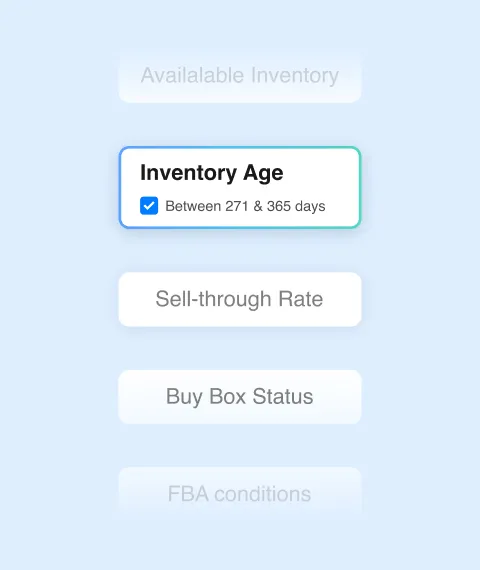
1. Set your triggers
Choose from 23 conditions like “no sales in last 7 days” or “inventory age over 90 days.”
-
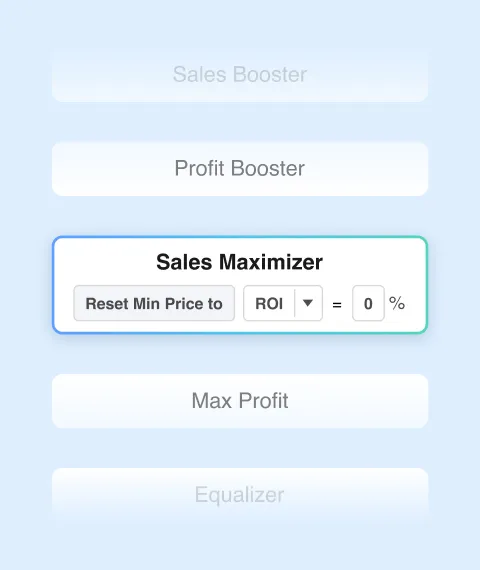
2. Assign rules
Link each condition to a specific repricing rule, whether that’s an AI Rule or a custom rule-based strategy.
-
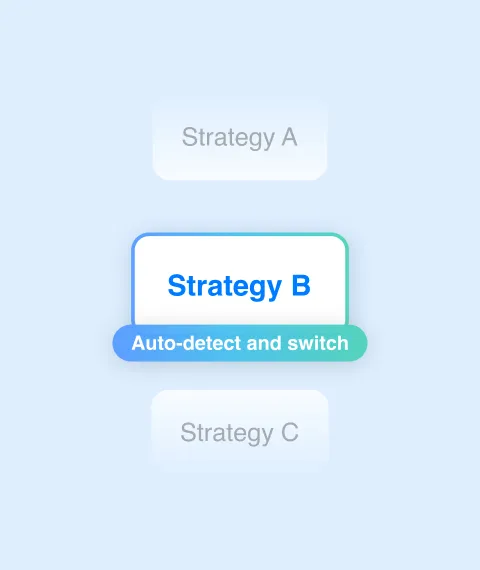
3. Let it run
BQool auto-detects when conditions are met and switches repricing rules.
Combine the Power of AI & Rule-based Repricing
Switch seamlessly between AI and Rule-Based to match your strategy with your goals.
-

🧠 AI-Powered Repricer
Use AI-driven strategies to react instantly to market changes and win the Buy Box while maximizing profit.
Learn More about AI Repricer -
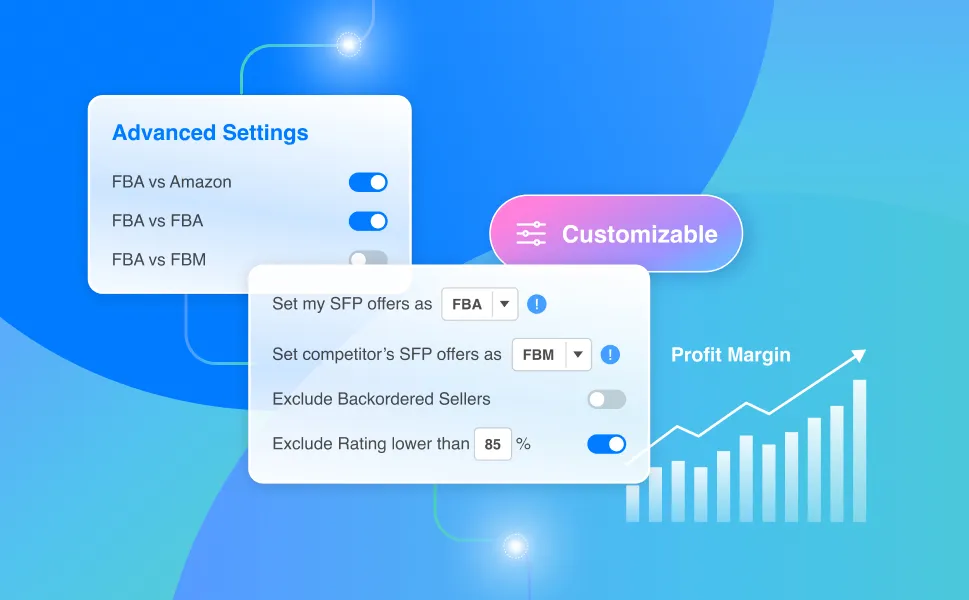
⚙️ Rule-based Repricer
Build highly customized repricing logic with advanced rule settings available.
Learn More about Rule-based Repricer
Frequently Asked questions
What is BQool's Conditional Repricer?
BQool's Conditional Repricer automatically changes how a listing is repriced when the conditions you set are met.
For example, if a product has been sitting in inventory for too long, you can have BQool switch to a more competitive repricing strategy. If sales pick up again, it can switch back to a strategy focused on protecting your profit.
When a condition is triggered, BQool can:
• Apply a different repricing rule
• Apply a different rule and adjust the Min Price
• Set Your Price based on a specified pricing reference
This lets your pricing strategy adapt automatically as each listing's situation changes.
How is Conditional Repricing different from regular Rule-Based Repricing?
A Rule-Based Repricer determines how your price changes based on the pricing logic you configure: match the Buy Box, undercut by a set amount, target the lowest price, and so on.
Conditional Repricing determines which repricing rule a listing should use based on changing business conditions.
Think of it as an automation layer on top of your repricing strategies: your rules control pricing, while Conditional Repricer automatically decides when to switch between rules.
What conditions can I use to automatically switch repricing rules?
You can create triggers based on 20+ conditions covering inventory, sales performance, listing status, and other FBA or FBM signals.
For example, you can switch strategies when:
• Inventory reaches a certain age
• Sell-through rate changes
• Historical Days of Supply reaches a certain level
• A listing has had no sales for a specified period
• The Buy Box is suppressed
• Other FBA or FBM conditions are met
You choose the conditions and the repricing rule that should be activated when they occur.
What happens if none of my conditions are met?
You can define a fallback action for situations where none of your specified conditions are triggered.
The fallback can use the same types of actions available elsewhere in Conditional Repricing:
• Change a rule
• Change a rule and Min Price
• Set Your Price
This ensures the listing still follows a defined pricing strategy even when none of your higher-priority scenarios apply.
Can I set multiple conditions for one Conditional Repricing setup?
Yes. You can create multiple conditions within a single Conditional Repricing setup and arrange them in priority order.
BQool evaluates the conditions from top to bottom and applies the first matching scenario.
You can also add up to two sub-conditions to each main condition when you need more specific targeting.
(PS: Sub-conditions use AND logic, meaning repricing only triggers when both the main condition and its sub-conditions are met. Multiple condition tiers are evaluated independently using OR logic.)
Can I apply the same Conditional Repricing setup to multiple listings?
Yes. Once you've configured your conditions and pricing actions, you can apply the Conditional Repricing setup to the listings you choose.
This lets you build the logic once and reuse it across relevant listings instead of configuring every listing individually.
Can Conditional Repricer change my Min Price automatically?
Yes. With the Rule + Min Price action, Conditional Repricer can calculate and apply a new Min Price when a condition is triggered. It can lower or raise the min price.
The new Min Price can be based on:
• Lowest Price
• Estimated ROI
• Estimated Profit
• Estimated Profit Margin
BQool then uses the updated Min Price together with the repricing rule you selected.
Start Winning the Buy Box
with BQool Today
See how smarter pricing improves your Buy Box wins and boost your profits in just two weeks. Get full access to AI Premium Plan ($100) free, no credit card needed.